Various Data
What is this data
Various Data is a generic key/value lookup table used to attach extra attributes to a product beyond its own fixed fields — for example translations, certificates, or additional reference data pulled from an external system. It has no relation of its own to Production Order, Logistic Unit, or any other table — only Product links to it.
Where it is used
A link configured between a product column and Various Data means that whenever the Select product coding-scenario step resolves a product, the matching Various Data row is automatically pulled in alongside it and made available for use on the label. A Select production order step gets there too, but only transitively — via the order’s linked product, not a link of the order’s own (see Production Order). See Production Data for the related coding scenario steps.
Setting up the link
The link is configured once, globally, from the Products grid — there’s only ever one link configuration at a time, and it exists only for Product; no other master data grid exposes this action.
In Master Data > Products, open the Actions menu and select Link various table.
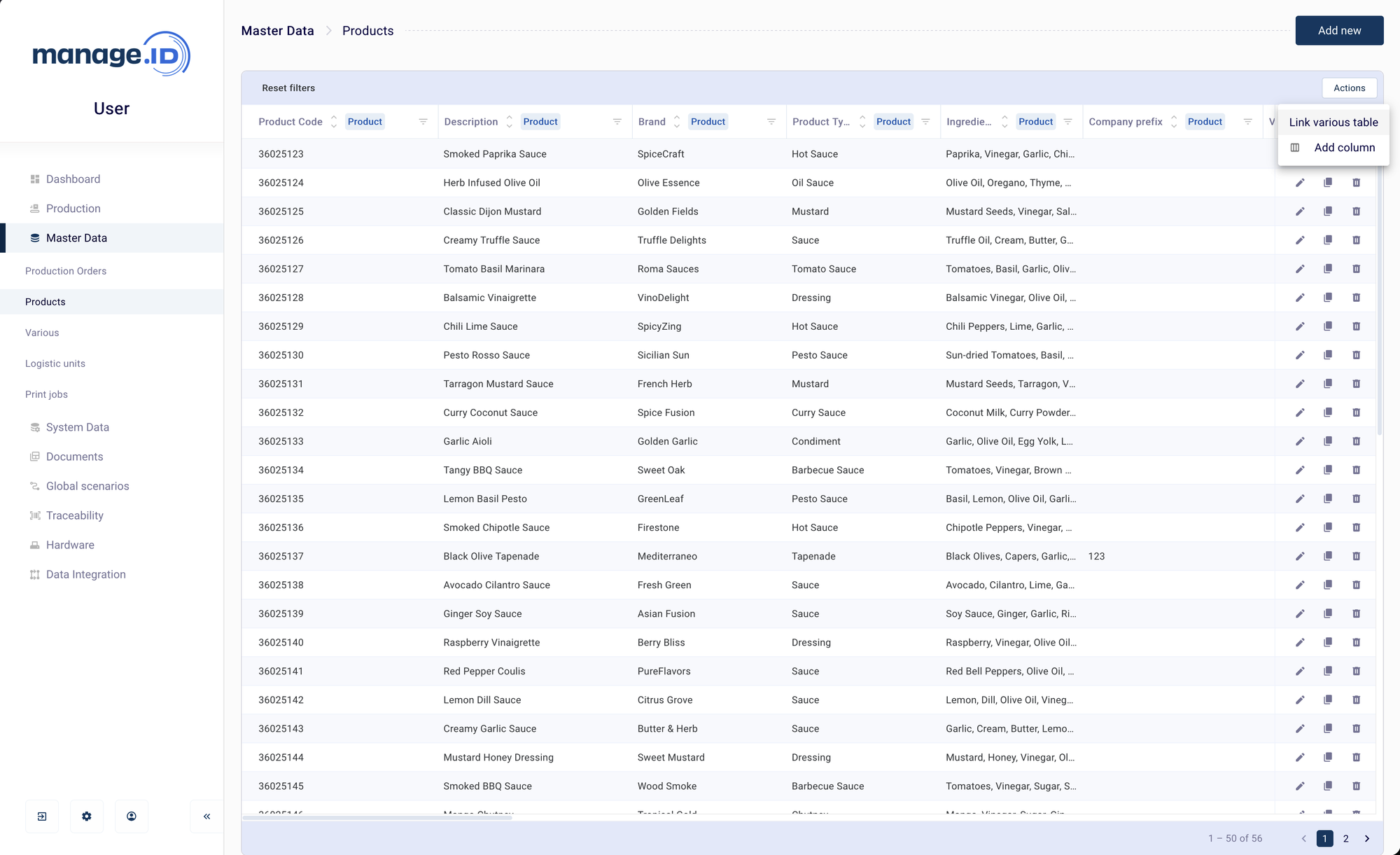
In the Link column to various table dialog, choose:
- Link column — the Product column (a fixed field or a custom column) whose value is used as the foreign key. This value is matched against each Various Data entry’s
key. - Various data — the Various Data columns to pull onto the Products grid once a match is found.
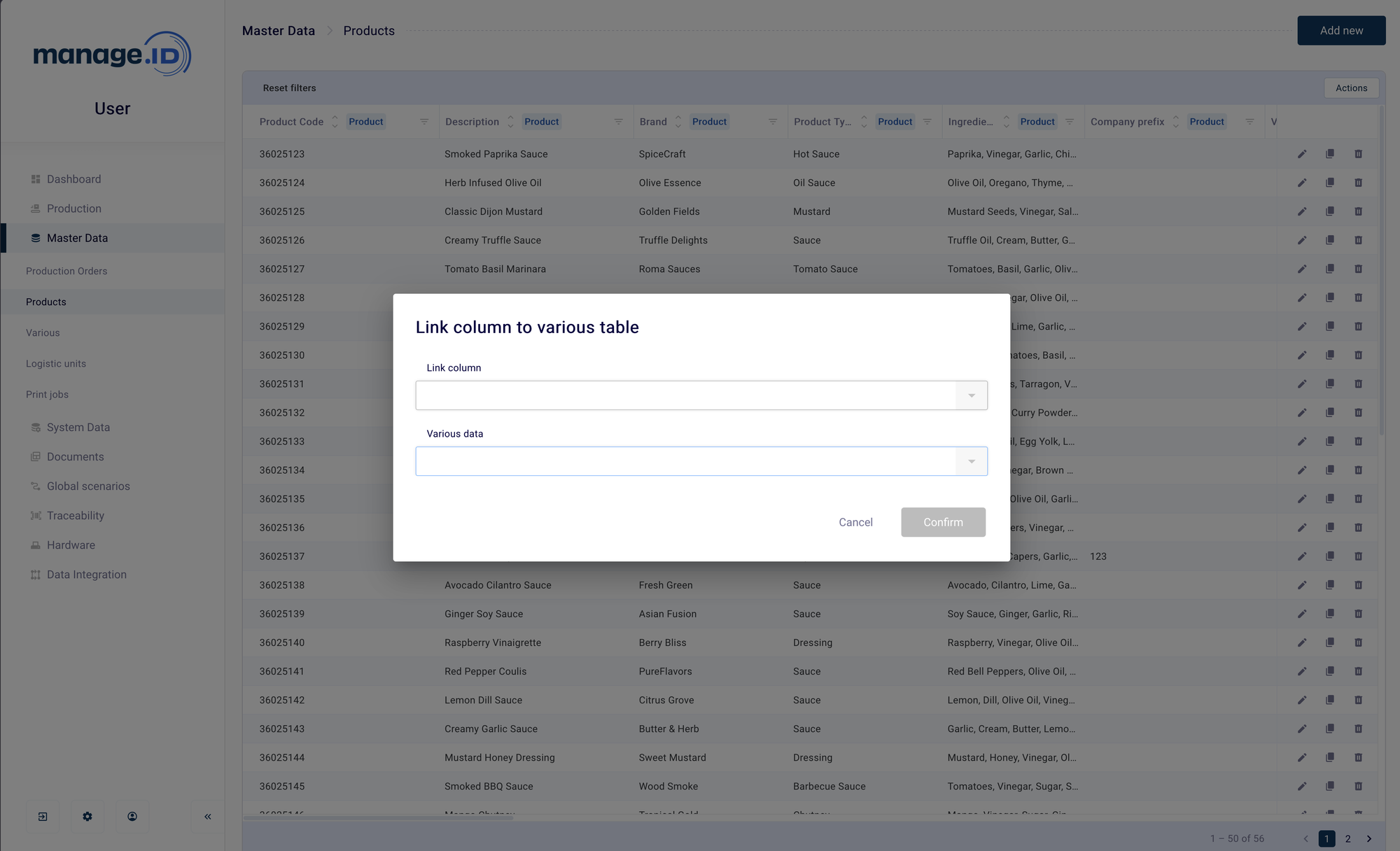
- Link column — the Product column (a fixed field or a custom column) whose value is used as the foreign key. This value is matched against each Various Data entry’s
Confirm. Reconfiguring the link (choosing a different link column or column selection) replaces the previous configuration — it isn’t additive.
With the link in place, resolving a product (manually, via import, or through the Select product coding-scenario step) looks up the value in the linked column against every Various Data entry’s key and attaches the match.
Fields
| Field | Label | Mandatory | Notes |
|---|---|---|---|
key | Key | Yes | The only fixed field. The match key. |
Every other column is a custom column you define yourself when configuring the table (see Custom / additional columns below) — Various Data has no other predefined fields.
Matching & updates
An entry is matched by its key. If a match is found, only the columns present in the incoming row are overwritten; other columns keep their current value. If no match is found, a new entry is created.
Auto-created related records
None. Various Data has no relation to Product, Production Order, or any other table.
Custom / additional columns
Beyond key, Various Data is almost entirely custom columns — each one describing whatever extra attribute your company needs to track, such as a translation, certificate, or reference value. Because Various Data is almost entirely custom columns, this limit matters more here than on other tables: only 50 custom columns are physically available for Various Data (up to 3200 characters each) — unlike the 150 available on most other tables. The column-assignment mechanism does not stop you from allocating more than 50; a 51st custom column will appear to save as configuration but fail when data is actually imported into it. Keep the total number of custom columns you define for Various Data to 50 or fewer.